在VPS安装一个Debian12桌面版 可以远程访问!
安装远程桌面组件设置为中文
apt update && apt install -y lxde xrdp fonts-wqy-zenhei xfonts-intl-chinese
echo 'LANG="zh_CN.UTF-8"' > /etc/default/locale && dpkg-reconfigure --frontend=noninteractive locales
打开防火墙
iptables -P INPUT ACCEPT
iptables -P FORWARD ACCEPT
iptables -P OUTPUT ACCEPT
iptables -F
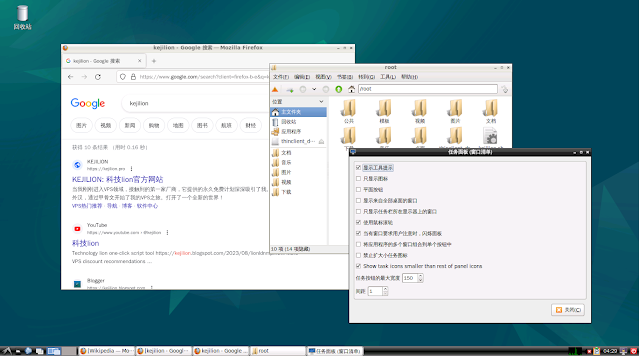
卸载远程桌面还原为英文
apt remove --purge -y lxde xrdp
echo 'LANG="en_US.UTF-8"' > /etc/default/locale
update-locale LANG=en_US.UTF-8



评论
发表评论